How to Make Reports
Step-by-step guide to creating inspection reports with VerifyAi
Now with V2 OS faster performance, better picture quality, and offline mode.
Quick Overview
Creating a report with VerifyAi takes under a minute. The system guides you through each step on the built-in touchscreen. Just place the endoscope, press start, and the system does the rest.
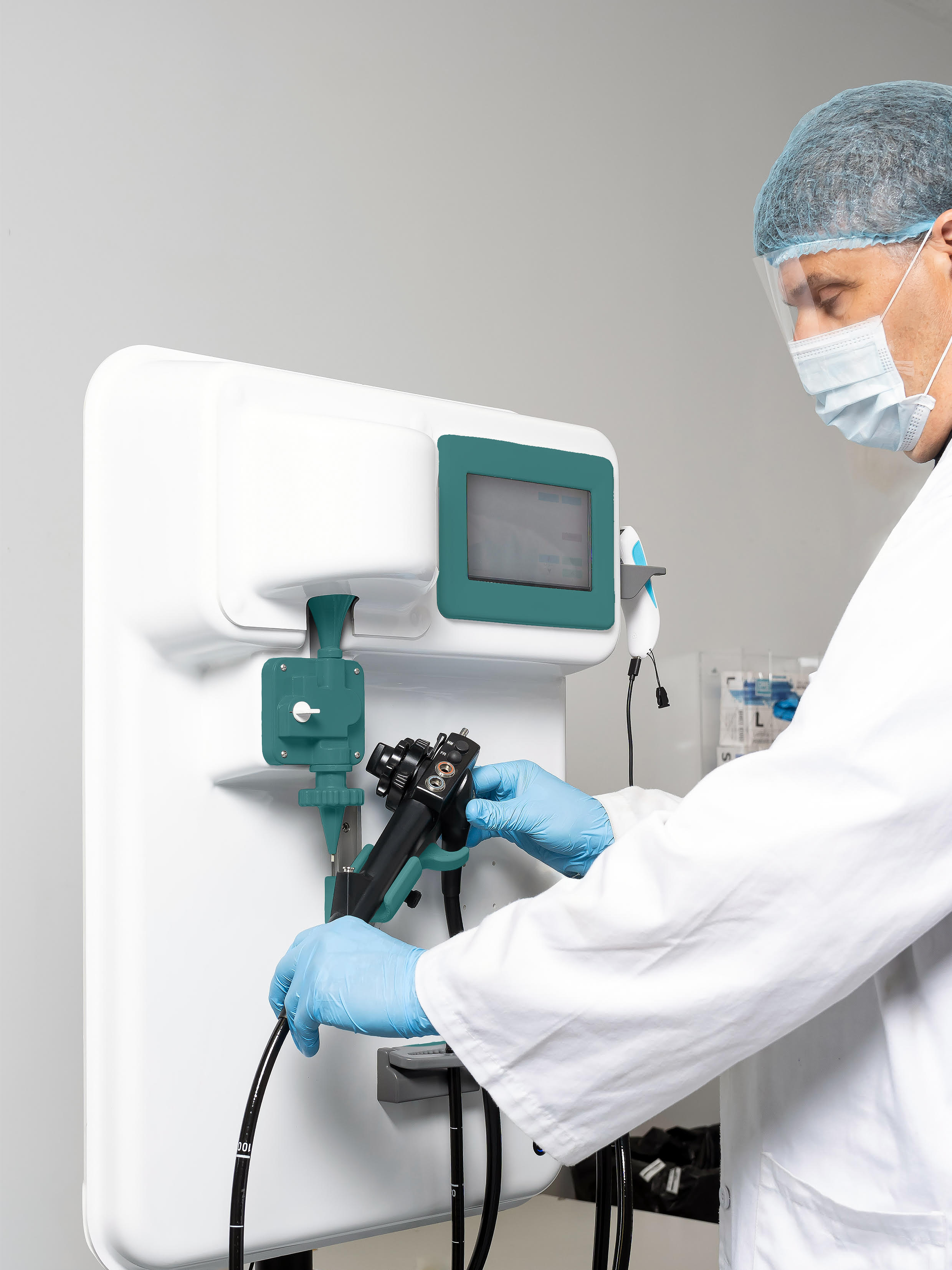
Place the Endoscope
Mount the endoscope in the VerifyAi system cradle
Enter Device Info
Select the device type, serial number, and inspection details
Start Recording
Press start. The A1 inserts automatically; M1 guides you manually
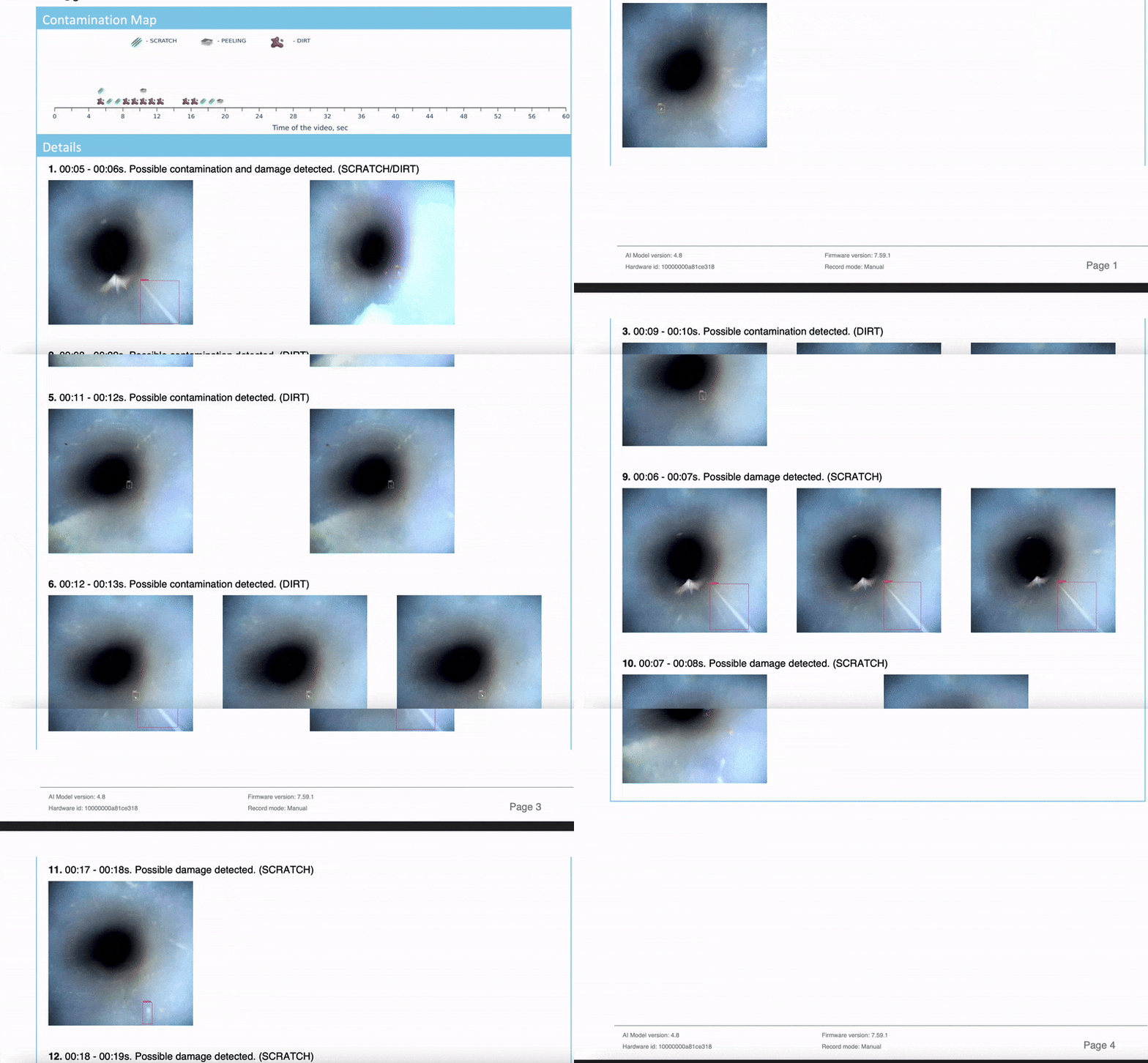
Generate Report
The system creates a PDF report and uploads everything to the cloud
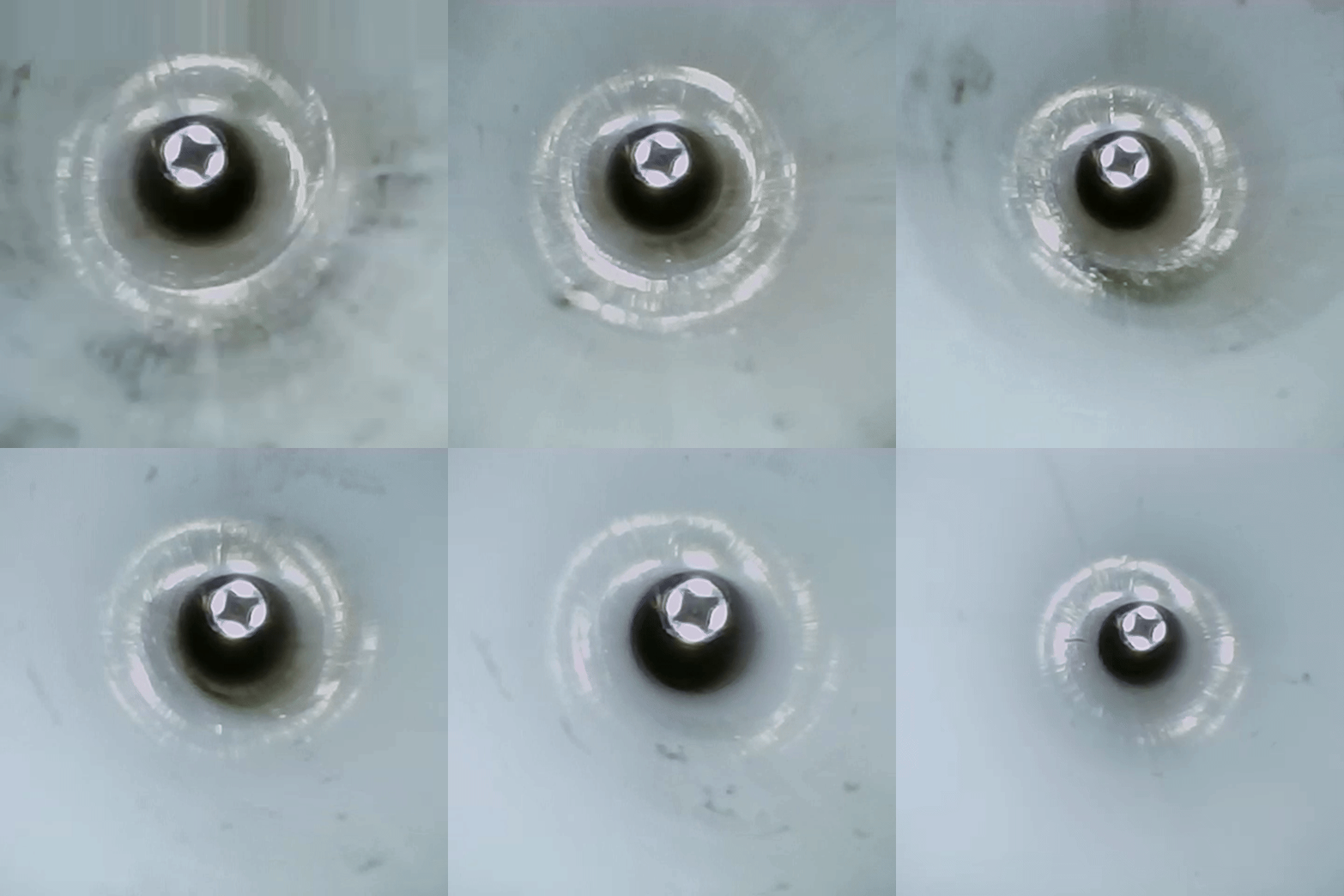
Watch the Workflow
See how fast an inspection runs from start to finish
Setup is Simple
Mount the system on any wall or use the portable stand. Plug in power and connect to your network. The VerifyAi system is ready to use within minutes of unboxing no software installation, no PC required.
What You Need
- Power outlet
- Network connection (WiFi or Ethernet)
- Endoscope to inspect
- That's it.
V2 OS Enhancements
The V2 operating system improves every step of the reporting process. Faster video processing, higher quality captures, and the ability to work offline when network connectivity is unavailable.